

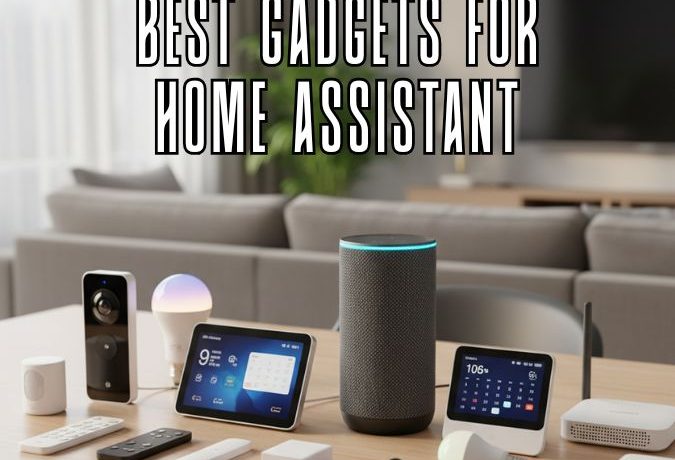
Best Gadgets for Home Assistant: The Ultimate Smart Home Upgrade Guide

Table Of Content
- Introduction
- Understanding Home Assistant
- Key Benefits
- Why You Need Smart Gadgets with Home Assistant
- Top Benefits
- Best Gadgets for Home Assistant in 2025
- Smart Speakers and Displays
- Smart Lighting Solutions
- Smart Security Devices
- Smart Thermostats
- Smart Plugs and Power Strips
- Smart Hubs and Controllers
- Smart Locks and Access Control
- Smart Sensors and Environment Monitors
- Smart Appliances Integration
- How to Choose the Right Gadgets
- Tips for Setting Up Home Assistant Devices
- Advanced Automations You Can Create
- Future of Home Automation with Home Assistant
- Conclusion
- FAQs
Introduction
Smart homes are no longer a futuristic dream—they’re today’s reality. With Home Assistant, you can transform ordinary gadgets into intelligent companions that automate your daily routines. Whether it’s dimming the lights, adjusting your thermostat, or monitoring home security, the possibilities are endless.
Understanding Home Assistant
Home Assistant is an open-source home automation platform that lets you control, automate, and integrate thousands of smart devices—all from one central hub. Unlike cloud-based systems like Alexa or Google Home, Home Assistant can run entirely locally, giving you more privacy, speed, and control.
It works with popular smart protocols like Zigbee, Z-Wave, and MQTT, enabling seamless integration with devices from hundreds of brands.
Key Benefits
-
Privacy-first control with no cloud dependency
-
Full customization for advanced automation
-
Wide device compatibility
-
Voice assistant integration with Alexa and Google
Why You Need Smart Gadgets with Home Assistant

Using Home Assistant without smart devices is like having a smartphone without apps. The gadgets bring automation to life—helping you save energy, improve security, and enhance your lifestyle.
Top Benefits
-
Automation: Make your devices work together—like turning on lights when motion is detected.
-
Convenience: Control everything from one dashboard.
-
Efficiency: Reduce power usage with smart scheduling.
Best Gadgets for Home Assistant in 2025
Let’s explore the must-have smart devices that make your Home Assistant setup truly powerful.
Smart Speakers and Displays
-
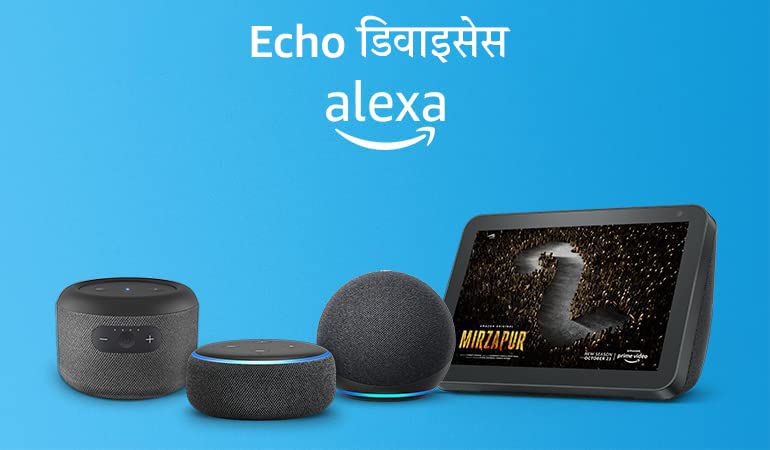
Google Nest Hub Max: Perfect for dashboards, video calls, and controlling devices hands-free.
-
Amazon Echo Show 10: Rotates automatically to follow your voice—ideal for smart kitchens.
-
Sonos One: Great for multi-room music and integrates seamlessly with Home Assistant.
Smart Lighting Solutions
-
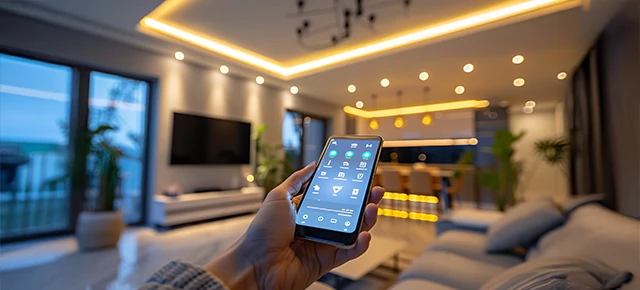
Philips Hue Bulbs: The gold standard of smart lighting—works via Zigbee for local control.
-
TP-Link Kasa Switches: Affordable and easy to integrate using Home Assistant Cloud.
-
Nanoleaf Shapes: Add color, creativity, and ambiance to any room.
Smart Security Devices

-
Arlo Pro 5S Cameras: Crisp 2K video, night vision, and Home Assistant integration via HomeKit or MQTT.
-
Eufy Video Doorbell Dual: Cloud-free recording and excellent motion detection.
-
Aqara Door/Window Sensors: Compact, reliable, and perfect for custom automations.
Smart Thermostats
-
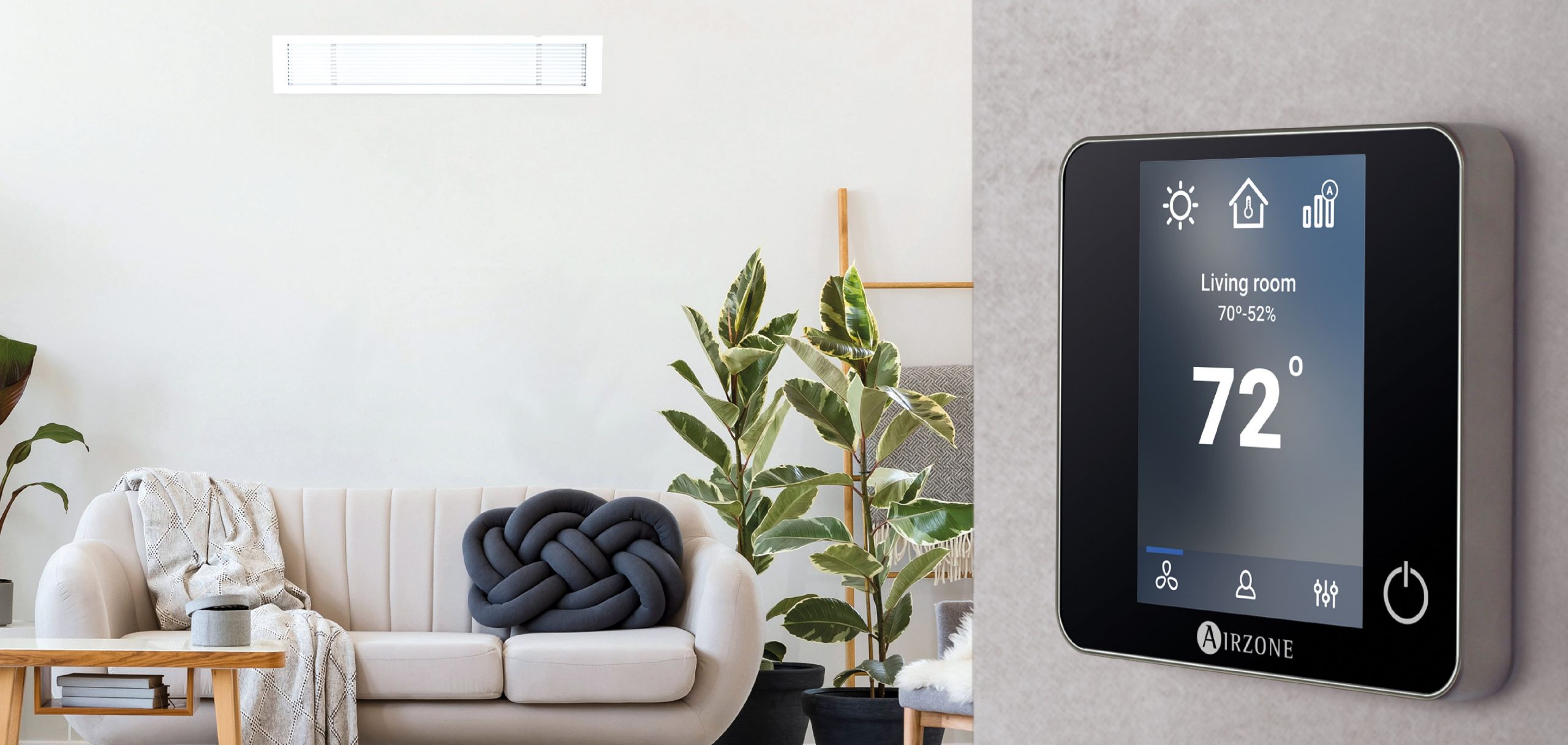
Ecobee Smart Thermostat Premium: Built-in Alexa and excellent remote sensor support.
-
Nest Learning Thermostat: Learns your habits and adjusts automatically.
-
Honeywell Home T9: A budget-friendly option with room sensors.
Smart Plugs and Power Strips
-
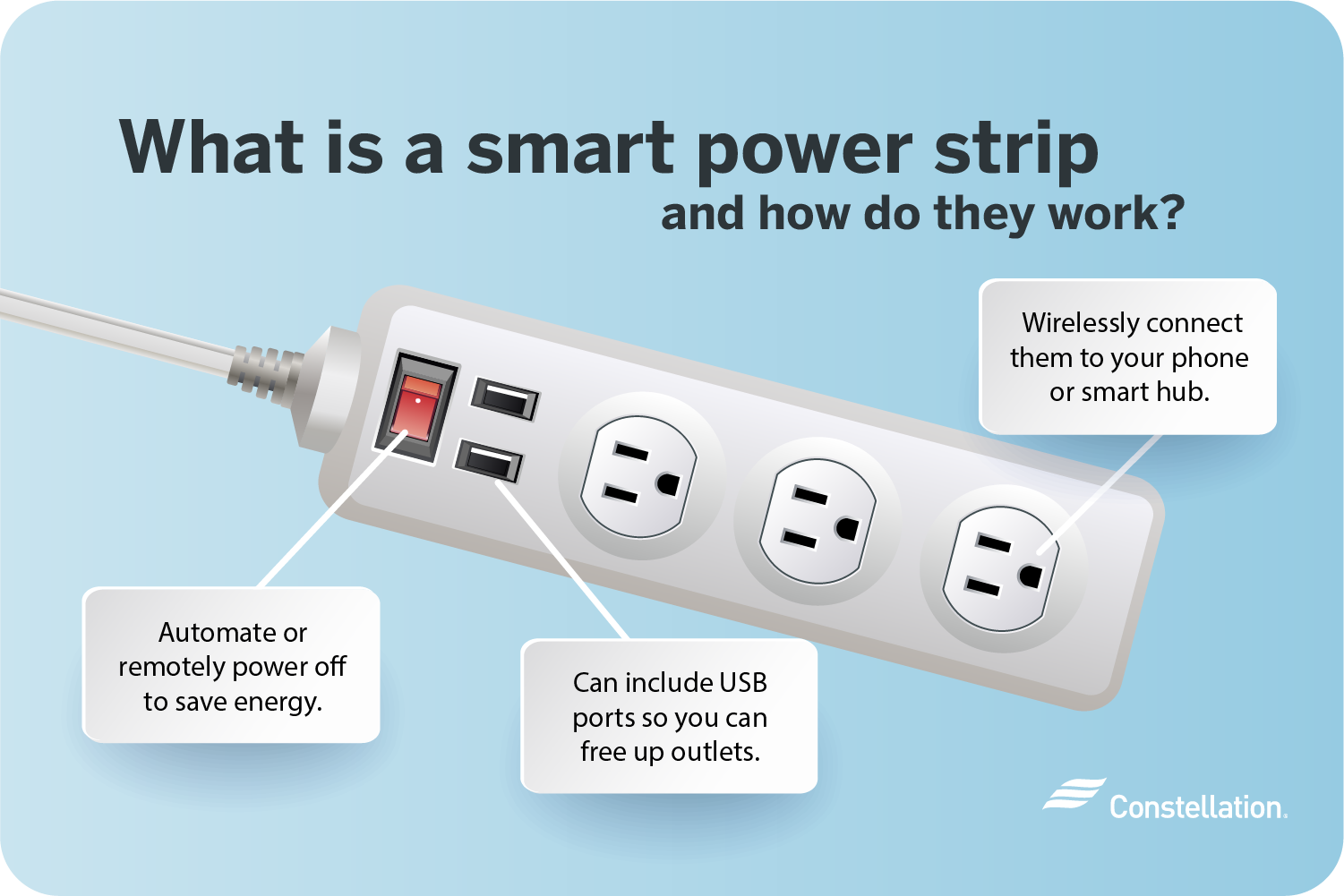
TP-Link Kasa Smart Plug: Simple to use, reliable, and supports scheduling.
-
Meross Smart Power Strip: Manage multiple devices from one unit.
-
Eve Energy Plug: Tracks energy usage and integrates directly via Matter.
Smart Hubs and Controllers
-
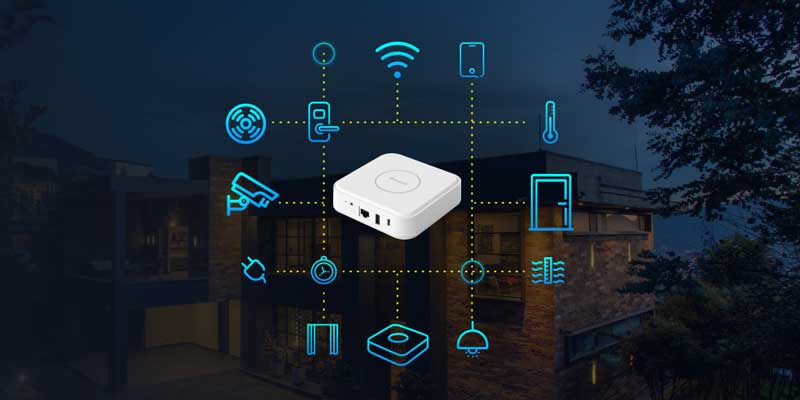
Home Assistant Yellow: Official hardware built for ultimate performance.
-
Samsung SmartThings Hub: Great for combining Zigbee and Z-Wave networks.
-
Raspberry Pi 4: The DIY favorite for running Home Assistant OS.
Smart Locks and Access Control
-
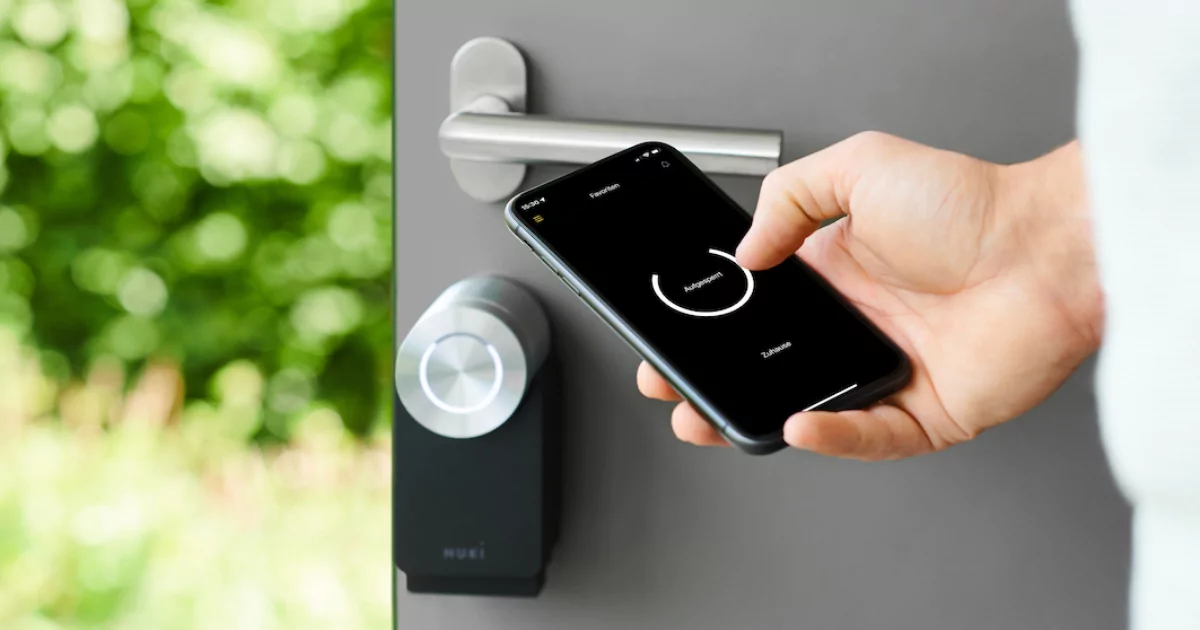
August Wi-Fi Smart Lock: Retrofit-friendly—fits your existing deadbolt.
-
Yale Assure Lock 2: Sleek design with keypad and app access.
-
Aqara U100: Zigbee-compatible and highly secure.
Smart Sensors and Environment Monitors
-
Aqara Temperature & Humidity Sensor: Helps automate heating/cooling efficiently.
-
Eve Room: Measures air quality, temperature, and humidity in real-time.
-
Shelly Motion 2: Detects motion and light for advanced automations.
Smart Appliances Integration
-
iRobot Roomba j7+: Automates floor cleaning with smart mapping.
-
LG ThinQ Washing Machine: Control laundry cycles directly via Home Assistant.
-
Dyson Purifier Cool: Adjusts automatically based on air quality data.
How to Choose the Right Gadgets
When buying gadgets, ensure compatibility with Home Assistant. Look for devices supporting Zigbee, Z-Wave, or Matter protocols.
Also, prefer local control over cloud integration to improve privacy and response time. Always check community support on Home Assistant integrations.
Tips for Setting Up Home Assistant Devices
-
Use Zigbee or MQTT for reliable connections.
-
Backup configurations before updates.
-
Group devices by room for easier management.
-
Create dashboards for quick access and control.
Advanced Automations You Can Create
-
Morning Routine: Lights on, blinds open, and coffee starts brewing automatically.
-
Security Alerts: Receive mobile notifications when doors open unexpectedly.
-
Energy Saver Mode: Turns off unused lights and plugs when nobody’s home.
Future of Home Automation with Home Assistant
Home Assistant is moving toward AI-driven automation, where your home learns your preferences over time. Expect features like predictive scheduling, energy optimization, and deeper Matter integration in 2025.
The open-source nature ensures innovation will keep accelerating, making Home Assistant the most flexible and private automation platform available.
Conclusion
Building a smart home with Home Assistant gives you total control, customization, and peace of mind. With the right gadgets—from smart lights to thermostats—you can create a connected home that works for you, not the other way around.
FAQs
1. What devices are best for beginners?
Start with smart plugs, bulbs, and sensors—they’re affordable and easy to set up.
2. Is Home Assistant better than Alexa or Google Home?
Yes, it offers more privacy, customization, and control without relying on the cloud.
3. Do I need coding knowledge to use Home Assistant?
Not at all—most setups use a graphical interface. YAML coding is optional for advanced automations.
4. Can Home Assistant work offline?
Yes! That’s one of its biggest strengths—most automations run locally.
5. What’s the cheapest way to start with Home Assistant?
Use a Raspberry Pi 4 and add a few Zigbee devices to begin your smart home journey.


No Comment! Be the first one.